

It is one thing to know that deep pockets and tight tolerances increase manufacturing costs, but it is entirely different to see exactly how much those choices inflate your quote.
When you send a CAD model to a machine shop, the quoting software analyzes the raw material volume, the required cutting tools, and the total machine cycle time. A few seemingly minor design choices can easily triple your unit price.
Let’s look at three real-world CNC design examples to see exactly how applying Design for Manufacturability (DFM) rules can drastically reduce your manufacturing costs.
Example 1: The "Over-Engineered" Bracket
The Trap: Defaulting to tight tolerances and tough materials "just in case."
The Original Design: An engineer designed a mounting bracket to hold a sensor array. Wanting the part to be strong and precise, they selected 304 Stainless Steel. They applied a global tolerance of ±0.025 mm and requested a smooth surface finish of Ra 0.8 µm.
- Machining Time: 55 minutes
- Cost (Qty 50): $62.00 per part
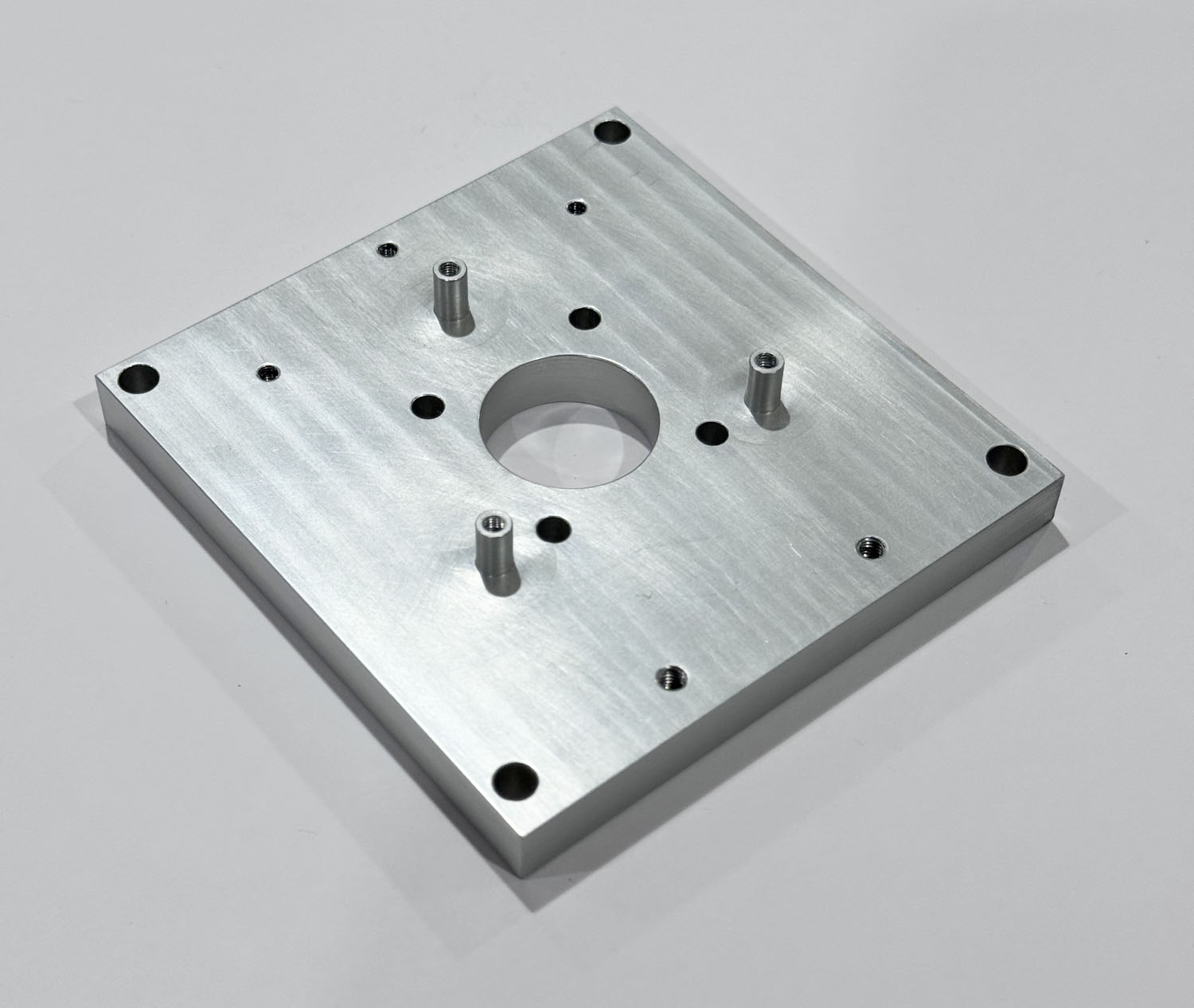
The Optimized Design: A DFM review revealed that the bracket only needed precision around the two sensor mounting holes. Furthermore, the environmental loads didn't require steel. The material was swapped to Aluminum 6061-T6. The global tolerance was relaxed to the shop standard of ±0.1 mm, while the ±0.025 mm tolerance was isolated strictly to the two mounting holes. Finally, the finish was dropped to a standard "as-machined" (Ra 3.2 µm).
- Machining Time: 12 minutes
- Cost (Qty 50): $25.00 per part (60% Savings)
The Lesson: Material machinability and global tolerances act as massive cost multipliers. Only pay for precision exactly where it is functionally required. If you suspect your current drawing templates are applying unnecessary global tolerances to non-critical dimensions, you can consult our engineering team for a fast tolerance stack-up review.
Example 2: The Deep Pocket & Sharp Corner Trap
The Trap: Ignoring the physical limits of round cutting tools.
The Original Design: An electronics enclosure was designed with a deep internal cavity to house a PCB. The pocket was 50 mm deep but only 10 mm wide (a 5:1 ratio), and it featured perfectly sharp internal corners. To machine this, the shop had to use a specialized, extended-reach 2 mm end mill to clear the corners, running at agonizingly slow feed rates to prevent tool deflection and breakage.
- Machining Time: 1 hour 15 minutes
- Cost (Qty 25): $210.00 per part
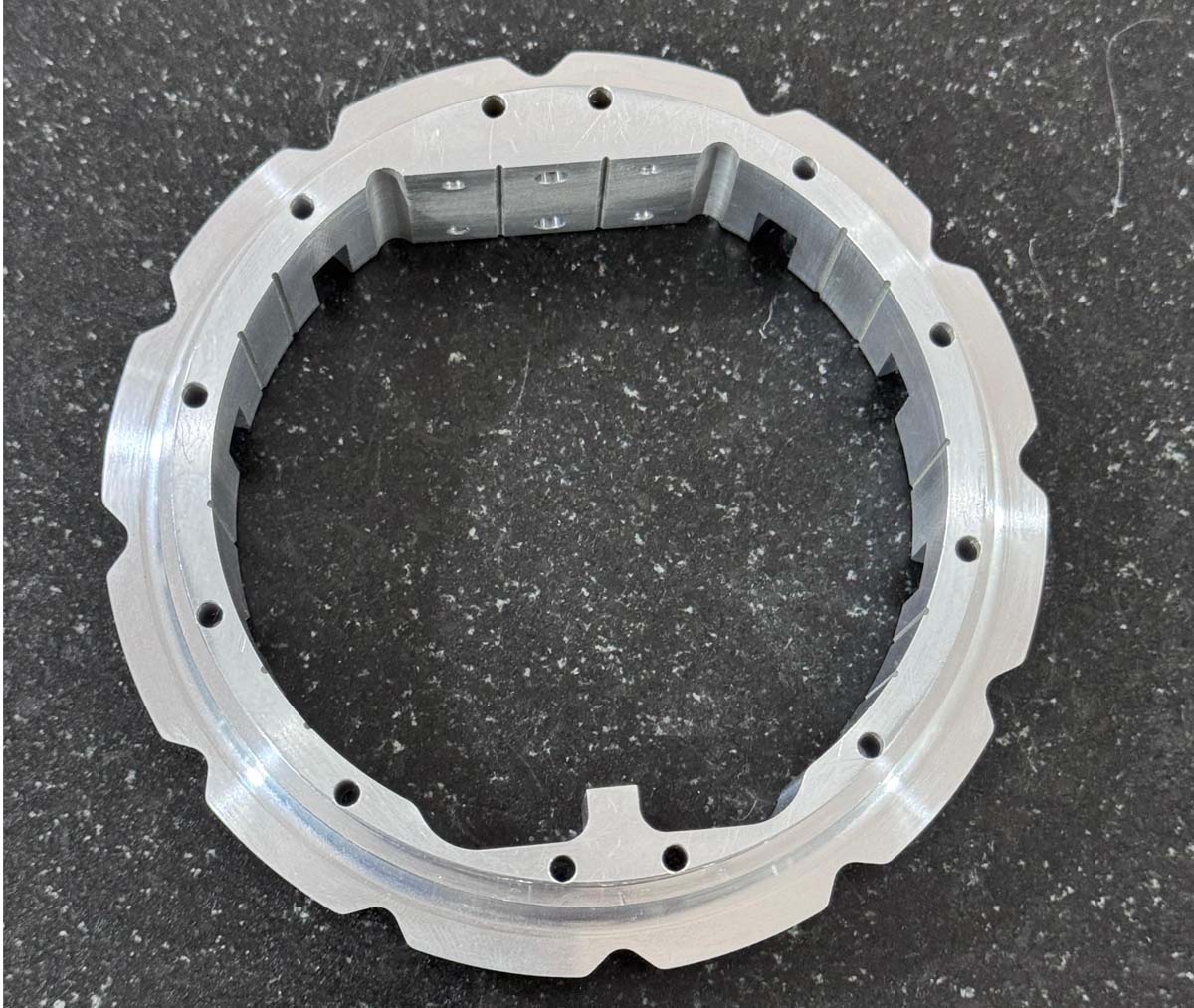
The Optimized Design: The engineer opened the pocket width to 15 mm (bringing the ratio down to a safe 3.3:1). More importantly, they added a 2 mm radius to all internal corners. This allowed the machinist to use a robust 10 mm end mill to rapidly hog out the aluminum at maximum speed without fear of tool chatter.
- Machining Time: 60 minutes
- Cost (Qty 25): $175.00 per part (15% Savings)
The Lesson: Design your geometry around the tools. Generous internal radii and shallow pockets allow for larger, faster end mills.
Example 3: The Multi-Setup Nightmare
The Trap: Designing features on too many planes.
The Original Design: A manifold block was designed with a main central bore, tapped holes on the top, counterbores on the bottom, and an angled sensor port on the side. Because a standard 3-axis CNC mill can only cut from one direction, this part required an operator to manually fixture, machine, unclamp, and rotate the part four separate times.
- Setup Time: 2 hours
- Cost (Qty 10): $320.00 per part
The Optimized Design: The engineer redesigned the manifold. They moved the bottom counterbores to the top face and adjusted the side sensor port to sit on the same vertical axis as the main bore. The entire part could now be machined in a single top-down setup. The operator simply clamped the raw block once, pressed start, and walked away.
- Setup Time: 25 minutes
- Cost (Qty 10): $115.00 per part (64% Savings)
The Lesson: Every time a machinist has to touch your part during manufacturing, cost goes up. Design features on a single plane whenever possible.
| Tired of Paying for Unnecessary Setups? Complex, multi-sided parts often force high fixturing fees. Instead of relying on rigid quoting software that penalizes feature complexity, our team manually reviews your geometry to see if features can be consolidated onto fewer machining planes.
Upload your complex files for an engineer-led CNC Machining Quote—we’ll help you strip out multi-setup overhead before production. |
Stop Guessing. Start Optimizing.
These examples highlight why a proactive DFM strategy is critical. By understanding how your CAD lines translate to machine time, you can strip out unnecessary costs before you ever request a quote.
This article completes our comprehensive guide. Return to the hub page here: How to Reduce CNC Machining Costs: A Guide to Tolerances, Features, and Design.
Frequently Asked Questions
Why do machine shops charge a separate "setup fee" for complex parts?
Every time a part must be rotated to machine a new face, an operator must stop the CNC mill, clean the workspace, manually change or align the physical fixtures, and re-probe the part's coordinate system. This manual labor requires significant skilled engineering time, which is billed as a setup charge regardless of your total order volume.
Can your engineers perform a DFM review on an entire assembly, or just individual parts?
We routinely perform design reviews on full multi-part assemblies. Evaluating how components mate together allows our engineering team to identify where tolerances can be relaxed on non-critical features while preserving tight precision exclusively where components interface or seal.
How accurate are the DFM cost-reduction percentages shown in these examples?
The cost-reduction metrics reflect real-world, localized geometric optimization paths. While exact percentages vary based on your order quantity, raw material choices, and total machine cycle times, shifting a feature out of complex multi-axis setups or eliminating over-tolerancing reliably yields substantial savings across any production run.